Absolum Mobile on Android: Controller Support, Cloud Saves and Combat
Absolum reached mobile on 5 November 2026 and ranked second in India’s Google Play paid Action chart on 14 November, as tracked by AppsXray. The game puts side-scrolling fights into a fantasy adventure with runs that can play out differently. If you are considering the Android edition, the practical questions are how you want to control it and whether you plan to carry your progress to another device.
Publisher Playdigious lists the mobile features, including controller support, touch controls and cloud saves. The Google Play listing also describes cross-progression with Google Play Games on PC. Check the page using the account and device on which you intend to play, as the purchase and install options can depend on those details.
What kind of game is Absolum?
Absolum combines the crowd fights of an arcade beat ’em up with the structure of a roguelite. You fight as one of Talamh’s outcast heroes against the forces of the Sun King Azra. The story gives you a reason to travel across the world, while repeat runs and changing paths give the action its rhythm. The mobile release follows earlier versions for consoles and PC, as Gematsu reported.
In practice, the fights are as much about timing and positioning as choosing an attack. A move that deals with one nearby enemy can leave you exposed when several come from different directions. It makes sense to judge the controls by trying to move, dodge and attack in the same encounter, where a control layout matters more than it does in a quiet area.
Touch controls or a controller?
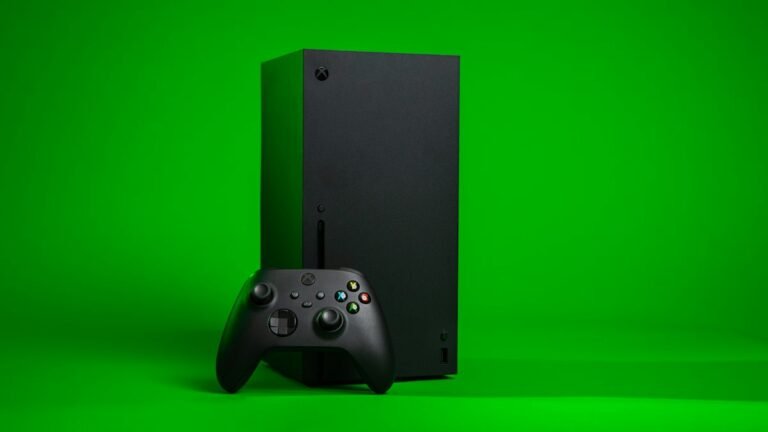
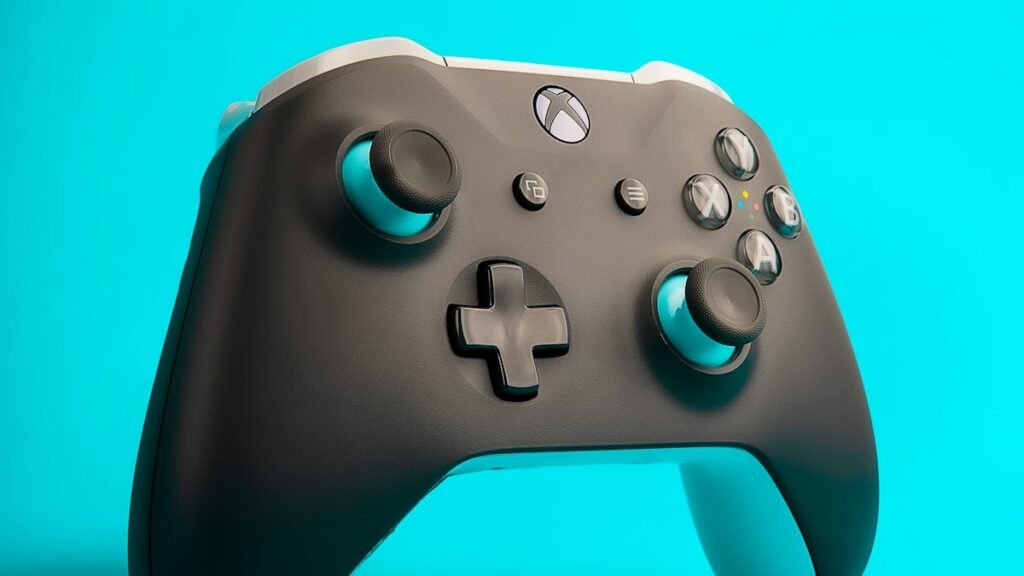
The publisher supports both choices on mobile. If you plan to use a controller, pair it through the phone’s settings before opening the game and check what the game recognises. Test both movement and the controls you expect to need in combat. The support listing confirms the feature without promising every brand, adapter or button layout.
Touch controls are the option when you want to play without another device. Try a short session before deciding whether to change your setup. Watch for how comfortable it is to move and react while keeping track of the edges of the screen. A controller can free more of the display for the fight, while touch makes a short session easier to start away from home.
Where the Android save can follow you
Playdigious describes cloud saves between Android devices and, separately, between iOS devices. The Android store listing says progress can also carry from mobile to PC with the same Google Play Games account. If you want to move from an Android phone to a tablet or use the supported PC route, first confirm that you are signed in under the same account.
Open the game on the second device and check that it shows the progress you expect before making changes on the first one. The publisher’s wording separates Android and iOS, and the Play listing names Google Play Games for PC. If your plan involves Steam, a console or an iPhone, verify the migration path for that combination before basing a purchase on it.
The publisher lists Google Play Games achievements too. If you intend to use the Android and PC versions, the relevant distinction is between a feature tied to your Google Play Games account and settings that you may want to adjust separately on each device.
For a first session, decide which device and input you will use, then check your progress on any second device while the first save is still available. That leaves the next run free for the part the game is built around: learning how your character handles each fight.