
Garmin ECG App in India: Supported Watches and Setup
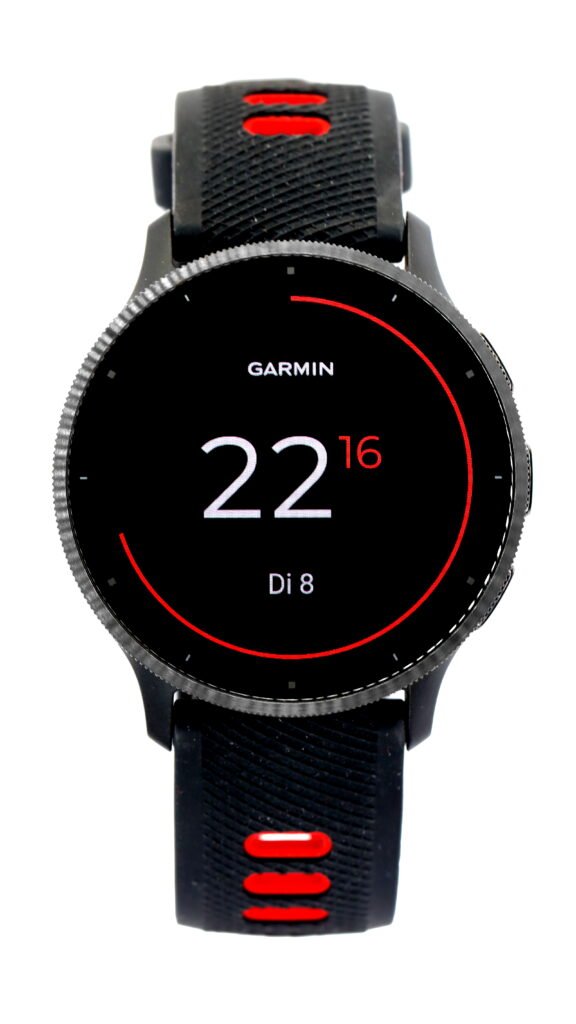
The Garmin ECG app in India is now available on select Garmin smartwatches. Garmin announced the rollout on 3 November 2026 and named the fēnix 9, Venu 4 and Forerunner 970 among the supported watches. If you already own a Garmin, check your exact model and software version before looking for the feature in Garmin Connect.
Which Garmin watches support the ECG app in India?
Garmin’s India rollout announcement names several recent models as examples. Its India compatibility list also includes models such as the Venu 3 and 3S, Venu 2 Plus and fēnix 8. Several names in Garmin’s catalogue look similar, so match the full name in your watch settings or device list. For example, Garmin lists a fēnix 7 Pro version without Wi-Fi as an exception to ECG support.
The minimum watch software depends on the model. Garmin lists version 14.07 for the Venu 4 and 5.02 for the Forerunner 970. Those are compatibility minimums, so check for the latest available update for your watch and for the Garmin Connect app on your phone. If you are buying a used or imported watch, check the current regional requirements against the exact unit before paying for a feature you expect to use in India.
How to set up the Garmin ECG app
Start with a compatible watch paired to the Garmin Connect app and set up with your Garmin Connect account. Charge the watch and let any software update finish. Once the watch reconnects, open Garmin Connect and select your watch from the connected device list. Garmin’s setup instructions direct users to Finish Setup, then Set Up ECG App, if the option is available. Follow the instructions shown for your device.
If the setup option is missing, check the model and software version again. For owners with more than one Garmin device, make sure you opened the settings for the watch you intend to use. Check the regional compatibility list and whether the watch is running beta software, which Garmin says may affect availability. If those checks do not explain the issue, use Garmin’s support channel with the model name and software version handy.
What a 30-second reading shows
Garmin says the app records about 30 seconds of the heart’s electrical activity and can classify recordings for signs of atrial fibrillation or normal sinus rhythm. You can view the result on the watch and access saved recordings through Garmin Connect. The announcement also describes creating a report to share with a doctor. If you plan to discuss a recording with a clinician, use the saved report so they can see the recording and its date together.
Garmin’s ECG app documentation says the app is intended for adults aged 22 and older. It records a signal similar to a single Lead I ECG and cannot check for a heart attack. Seek urgent medical care for symptoms such as chest pain or suspected stroke. A watch result cannot rule out an emergency.
What to check before buying for this feature
Ask for the full model name, then look it up in the India compatibility list. Confirm that the watch can receive the required software and pair with your phone. If you already own a supported model, update it and check Garmin Connect before assuming you need to upgrade. Keep the exact model and software version handy if you contact support. The India rollout changes availability for compatible devices, so the model and software checks are the quickest way to tell whether the feature applies to the watch you have.
Garmin Venu 3 photo by C. Stadler/Bwag, licensed under CC BY-SA 4.0. Display crop may vary.