
Windows Search Preview: New Actions and Phone Features
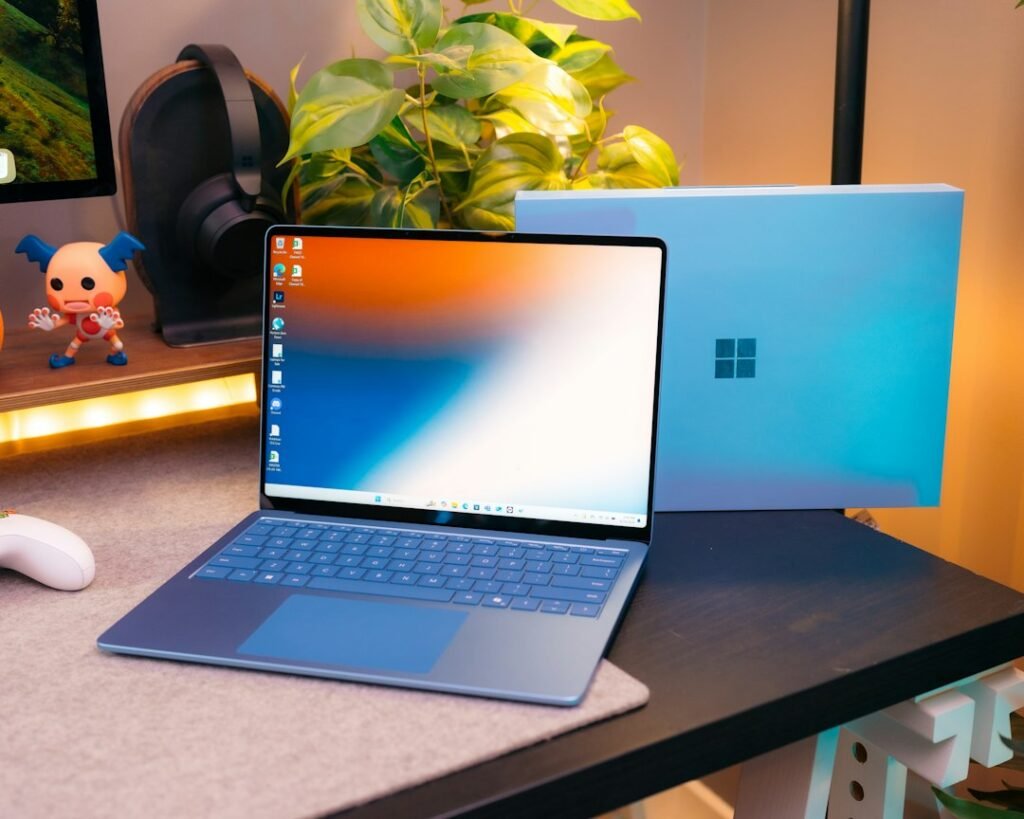
The Windows Search preview October 2026 update adds more actions directly to search results, but it is part of the Windows Insider programme rather than a universal stable release. Microsoft’s 30 October announcement identifies the relevant preview channels and describes changes to settings, connected phones and file results. That distinction matters before looking for a feature on an everyday work PC.
What the preview includes
Microsoft’s 30 October Insider announcement places the new Search experience in Experimental and Experimental 26H1 channels. It describes inline sliders for settings such as volume and brightness, richer file information, result filters and connected-phone actions.
Phone actions currently support compatible Android devices through Phone Link; iPhone support is described as coming early next year. The same announcement introduces a separate Intune policy for keeping organisational Feedback Hub submissions private within the tenant and Microsoft.
These are preview and policy announcements. They should not be rewritten as a claim that every Windows 11 user has received the same Search interface.
Why the release channel matters
A preview channel is intended to expose changes before a broad release. That can be useful for testing, but it also means the experience may differ from stable Windows.
Do not change an important computer’s update channel merely to reproduce a screenshot from a news story. If you already participate in the Insider programme, read the release notes for your exact build before deciding what to test.
For a managed work device, follow the organisation’s process. A missing preview feature may be expected rather than evidence that an administrator has configured the computer incorrectly.
Testing inline actions sensibly
If the controls appear on an eligible test device, start with a simple action whose result is easy to observe. Check whether the label is clear and whether the change matches what you requested.
Notice how Search distinguishes a setting from a file, a web result or an app suggestion. Clear categories can make the interface more useful, while ambiguous results are worth documenting in feedback.
Keep the original setting in mind so you can restore it. A short test should answer a question about the interface without leaving the machine in a configuration you did not intend.
Connected phones need their own checks
Phone actions depend on a supported phone connection, not only the presence of the Search box. Confirm the Phone Link arrangement before treating a missing action as a Search fault.
When testing calls or messages, use an appropriate test contact and avoid sending accidental communications. Check the recipient and text before any action that reaches another person.
The announced iPhone support is future-facing. Do not assume that Android availability establishes current iPhone parity or that a broad calendar phrase provides an exact release day.
Give useful feedback
A clear report identifies the build, channel, action attempted and observed result. Add the expected result in plain language.
Avoid putting confidential filenames, messages or account details into a public screenshot. Where an organisation uses the new private-feedback policy, follow its instructions rather than assuming all submissions are automatically private.
Microsoft’s announcement makes Windows Search more action-oriented in preview, but the practical assessment should focus on whether users can find and complete the intended task reliably.
For another everyday software update with a different release process, our Chrome stable update guide explains why matching the platform and release channel matters before comparing version numbers or troubleshooting a missing feature.
For file previews, compare the displayed location and modification date with the file you intended to open. Similar names can refer to old copies in different folders. A richer preview is useful when it helps you choose the correct file before acting, rather than simply adding more information to the result.