GTA 6 Preload in India: What to Check Before Redeeming a Boxed Code
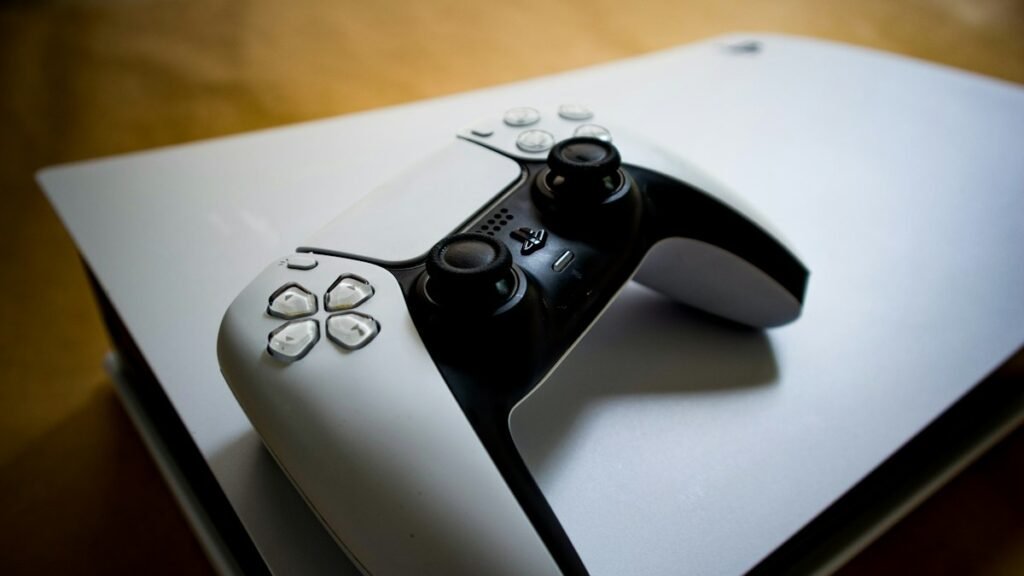
The GTA 6 preload is open in India on PlayStation 5 and Xbox Series X|S. Rockstar expects retailers to start shipping or offering pickup for the boxed version from 12 November 2026. The box contains a download code. Once you have received and redeemed it, you can start downloading ahead of the game’s 19 November release. Check the platform on the box, the account you are signed in with and the free space on the console before you use the code.
Rockstar’s editions and platforms guide distinguishes retail shipping from the start of digital preloading. The digital preload opened on 10 November, at midnight IST on PS5 and at 5:30 a.m. IST on Xbox. The Xbox time reflects the single worldwide start at midnight GMT. If you ordered a box, the date you can actually start depends on when you receive the code from your retailer.
Check the platform account before using a boxed code
On PlayStation, Rockstar says the region of the code must match an eligible region for your PlayStation account. Its list includes India in its Rest of EMEA and Asia grouping. Check the retailer’s stated region and confirm the account signed in on the console before redeeming. This is especially useful in a household with multiple accounts or if someone is bringing a copy bought abroad.
Rockstar lists Xbox codes as region unlocked in its platform guide. You still need the Xbox version of the product and the Microsoft account you intend to use. In both cases, the code in the box is the entitlement that lets your account download the game. Keep the code private and retain the retailer’s order details until you have verified that the game appears in your library.
If the console rejects the code, check whether the order was for a different platform or whether the retailer specified a PlayStation region that excludes your account. Compare the details on the order receipt and the package before contacting support. If the game already appears in your library, open it there and check the download status instead of attempting to redeem the code again.
Prepare the console for a large download
PlayStation’s India support page tells PS5 owners to have 212 GB available. Rockstar’s preload FAQ says the requirement can vary by device. Open your console’s storage screen and check the free space on the destination where the game will install. Space on a separate drive may not be usable for the installation you are starting.
If you pre-ordered digitally, open the game in your console’s library or store under the purchasing account and choose the available download or installation option. On PS5, PlayStation’s guide also explains how to use automatic downloads. On Xbox, check the installation queue after selecting the game. If you redeemed a retail code, confirm that the title is visible in the library before trying to start the download a second time.
Make sure the preload actually finishes
Check the download queue before leaving the console unattended. A download that has started can still pause when the console runs out of space or loses connectivity. If you use rest or standby mode, check whether the console is set to stay connected and download in that mode. Open the queue again later to confirm completion. Gadgets 360’s India coverage also separates the 10 November preload from the 12 November retail code rollout.
The preload gets the files onto the console ahead of launch. A completed download can remain locked until the release window opens. PlayStation’s India support page gives midnight local time on 19 November for PS5. For any platform, use your console’s own countdown or store listing to check when the installed game will become playable.